AI Hosting Guides
Related AI Hosting Guides
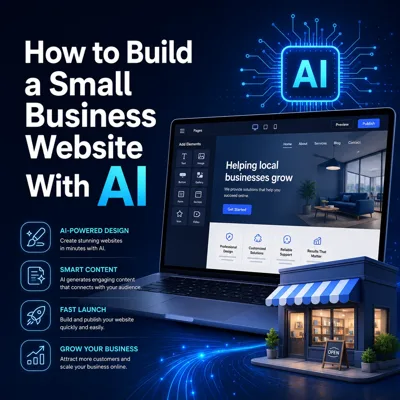
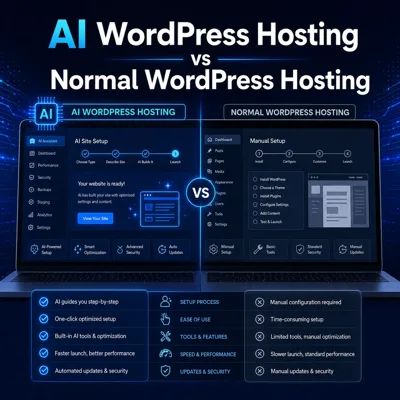
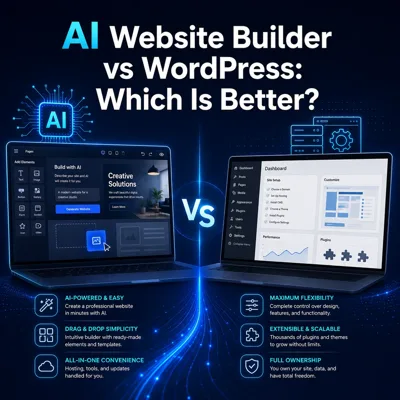
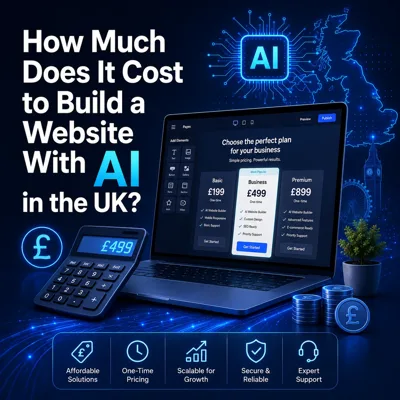
Learn more about building, choosing and growing a website with AI.
Build WordPress With AI
Start your WordPress website with AI-assisted setup, then choose the hosting route that matches how much resource flexibility you need.
SoftWP AI • WordPress Manager • NVMe storage • Free SSL • Standard and cloud options
Two AI Hosting Routes
Choose standard AI WordPress Hosting for a simple starting point, or AI WordPress Cloud Hosting when you want configurable resources.
Both routes are built around WordPress and AI-assisted setup.
Both options give you an AI-assisted WordPress starting point. The main difference is the hosting resources behind the website.
Best when you want an easy way to build and host a WordPress website on a straightforward fixed-resource plan.
Best when you want AI-assisted WordPress setup with a cloud hosting route built for more demanding or growing websites.
AI helps with the beginning. WordPress stays at the centre of the website afterwards.
Step 1
Pick standard AI WordPress Hosting or the cloud route depending on the resources you want.
Step 2
Use the WordPress installation workflow and select the AI-assisted setup tools available with the plan.
Step 3
Use SoftWP to help shape the initial website structure and get a useful starting point in place faster.
Step 4
Continue managing pages, content, plugins and normal WordPress settings after the AI-assisted setup is complete.
The goal is not to replace WordPress. It is to make the first stages of creating a WordPress website easier.
Once your initial setup is in place, you continue working with WordPress as normal. Edit pages, add content, install plugins and develop the website over time.
Use AI-assisted setup to create a useful WordPress starting point, then continue editing and expanding the website normally as your content and requirements grow.
Create a starting structure for business information, service pages, contact details and other core website content without beginning from a blank WordPress installation.
Build a personal, freelance or portfolio website, then customise the pages, design and content inside WordPress after the AI-assisted starting point is created.
Start a WordPress blog or content-led website and keep adding posts, pages, plugins and normal WordPress features as the site develops.
Use AI-assisted setup for a clear first version of a service or brochure website, then refine the copy, layout and calls to action yourself in WordPress.
If you already know how you want to build your website, you can choose standard WordPress or WordPress Cloud Hosting instead.
A straightforward WordPress hosting route without the dedicated AI setup.
View WordPress Hosting →Choose cloud resources for WordPress without making the AI builder the focus.
View WordPress Cloud Hosting →Compare the wider cloud hosting range for WordPress and other website types.
View Cloud Hosting →Trusted by our customers with consistent 5★ feedback.
Don’t just take our word for it — see why so many clients choose us for reliable service, quick turnaround, and measurable improvements.
AI Web Hosting FAQs
Simple answers before choosing your AI WordPress hosting route.
AI Hosting Guides
Learn more about building, choosing and growing a website with AI.
Choose a straightforward AI WordPress plan or move straight to the cloud route when you want more resource flexibility.
SoftWP AI • WordPress Manager • Standard and cloud hosting options